
HST Data Handbook for WFPC2
 |
 |
 |
 |
 |
|
| HST Data Handbook for WFPC2 | ||||
|
1.4 Reading HST Data Tapes and Disks
If you request HDA files on tapes or disks, you will receive them within a few weeks of your request. The tapes will contain tar files containing the requested datasets. The datasets will all be in FITS (Flexible Image Transport System) format1. You should thus first create a directory where you want your data to reside, e.g., /home/myname/myhstdata, go to that directory, then read the tape or disk using the Unix/Linux tar command to read the FITS files into it.
Currently, datasets obtained with HST's original instruments (FGS, FOC, FOS, GHRS, HSP and WFPC) as well as WFPC2 must have their FITS files converted to GEIS (Generic Edited Information Set) format in order to work on them with IRAF/STSDAS. Further information on HST file formats is presented in chapter 2. STSDAS is the package analysis software for HST data, and is discussed further in chapter 3. Datasets obtained with the other current HST instruments (ACS, NICMOS and STIS) should be reduced in FITS format without conversion to GEIS. STSDAS support for the analysis of WFPC2 data in FITS format is currently planned.
The steps for reading and converting FITS files to GEIS files are as follows:
First bring up IRAF/STSDAS in your IRAF home directory by typing
> cl
This will start an IRAF session. IRAF and STSDAS are organized into packages. To load a package, type its name. To begin with, you must load the stsdas and fitsio (FITS Input/Output) packages:
cl> stsdas
st> fitsio
The IRAF prompt (such as st>) shows the first two letters of the most recently loaded package. The fitsio package contains the STSDAS programs (called tasks in the IRAF/STSDAS environment) required to read and write FITS files to and from tapes and disks. The two principle tasks are strfits for reading files, and stwfits for writing them.
Next, set the IRAF environment variable imtype to specify that your data files are to be written in GEIS format. This is done by typing
fi> set imtype="hhh"
You should then move to the directory containing the FITS files.
The last step is to use strfits to read the data. Like most IRAF/STSDAS tasks, strfits has several parameters that control its function. You can either edit these tasks using the IRAF "epar" command, or specify them on the command line. For the purpose converting FITS files to GEIS files, the important parameter is oldirafname, which needs to be set to "yes" in order to keep the file rootname the same. To convert all the FITS files in a directory to GEIS files, type
Figure 1.6: MAST Home Page
fi> strfits *.fits " " oldirafname=yes
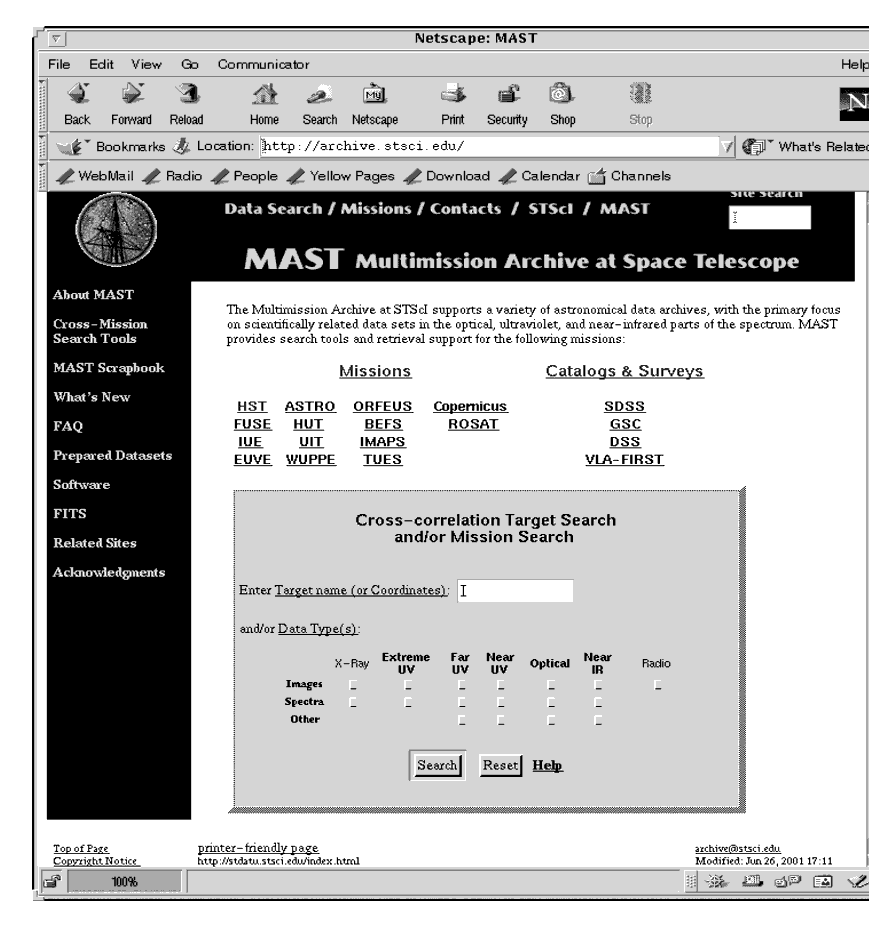
Figure 1.7: HST Archive Web search Form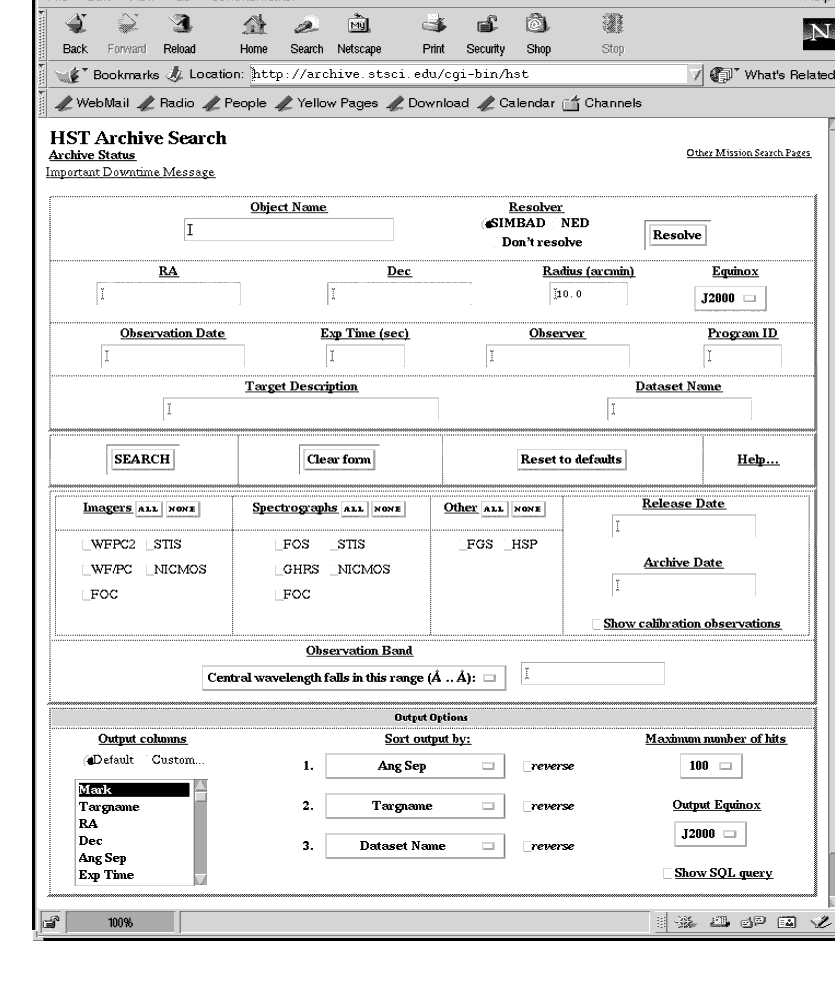
This command will make GEIS format copies (having extension ".hhh") of all the FITS files in the directory, with the same rootname. Following reduction and analysis of the GEIS files with the IRAF/STSDAS tasks, they may be written back into FITS format, on hard disk or to a tape or other storage media, with the stwfits task.
1 A description of FITS format and various supporting documents can be found at the Web site http://fits.gsfc.nasa.gov/fits_home.html
|
Space Telescope Science Institute http://www.stsci.edu Voice: (410) 338-1082 help@stsci.edu |
| |
|
|
|
|