How SExSeg works
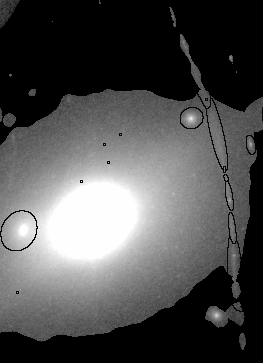
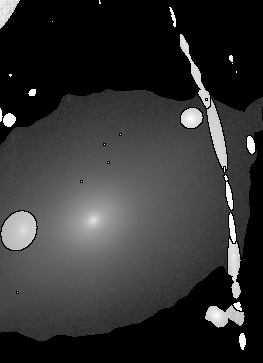
SExSeg alters your detection image based on your pre-defined segmenation map:
All pixels not assigned to objects are set to zero
Gaps (equal to zero) are inserted between touching objects
(Low-level 1e-6 gaps may be inserted instead, in an attempt to retain these pixels. However the resulting segments are slightly unstable.)
The total flux of every object is raised to the same value.
(Each object is multiplied by a different value.)
1. non-objects set to 0
2. gaps added
3. fluxes equalized
Meanwhile, SExSeg prepares your "analysis image" by subtracting the background in a separate SExtractor run (using parameters you specify).
SExtractor is then run in "double-image" mode with the altered detection image and background-subtracted analysis image.